Sign in and choose an organization
Sign in to Industrix; choose an organization only if you belong to more than one.
The organization picker appears only for accounts that belong to multiple organizations. If your account belongs to one organization, you can sign in without choosing one.
Sign in
- Open the Industrix sign-in page.
- Enter your account email address and password, then select Sign in.
- If you opened a link to a specific Industrix platform, you may be taken there after signing in. Otherwise, choose a platform from the list shown to you.
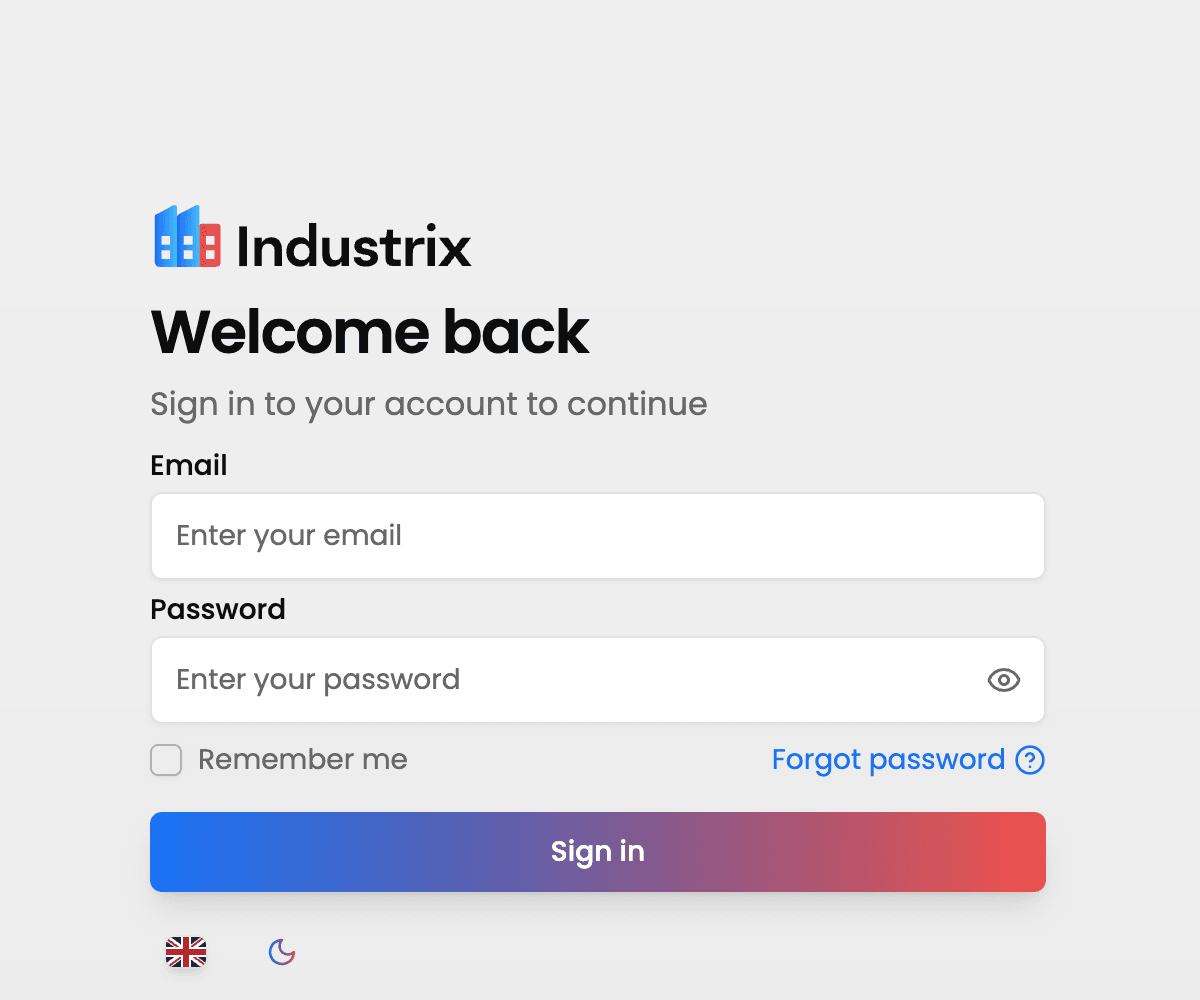
Forgot your password? Follow Reset your password.
Choose an organization
If the organization picker appears, select the organization you want to work with, then select Continue. Some accounts with multiple organizations may continue with a previously selected organization without seeing the picker again.
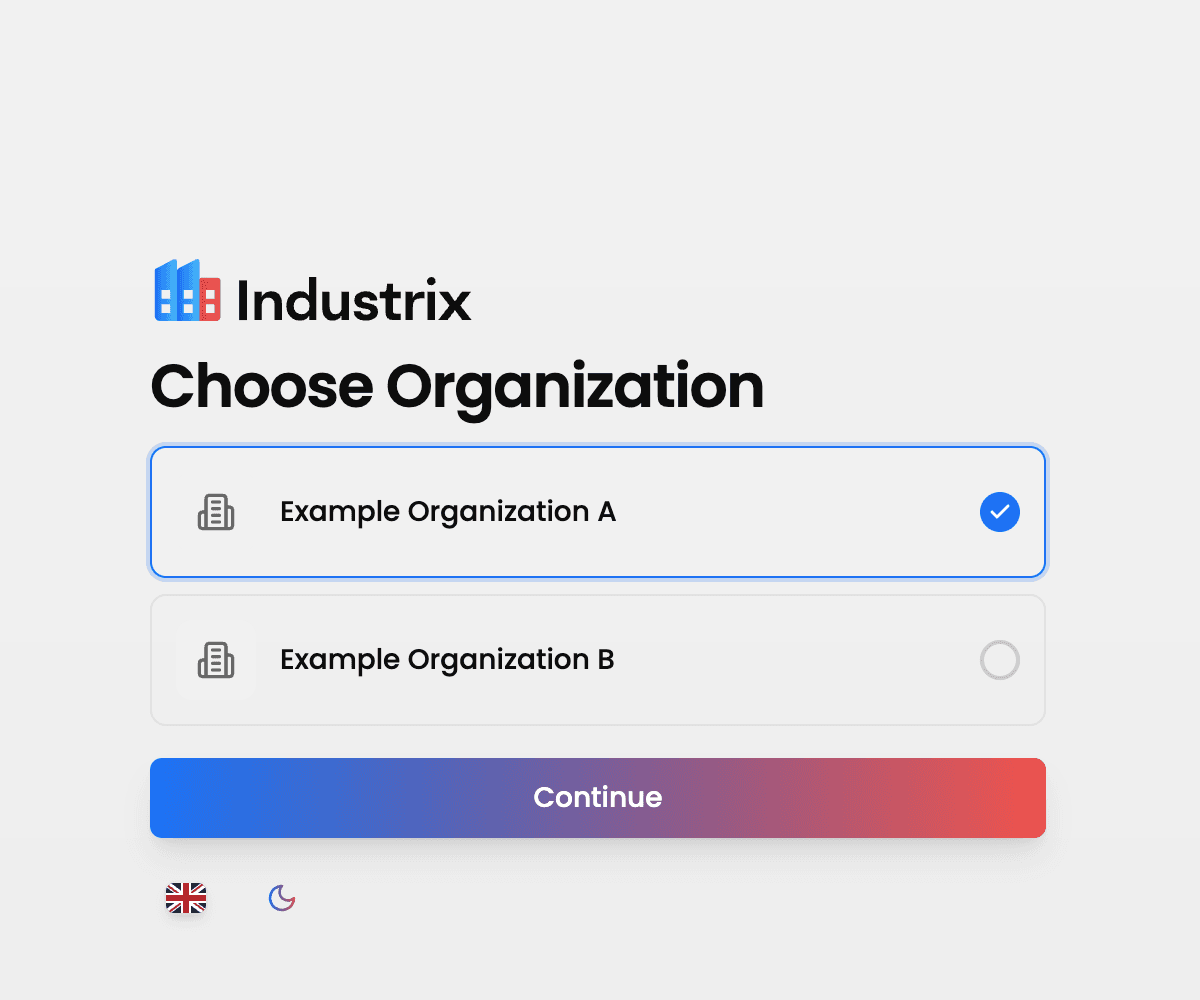
Example screen with sample organization names. Your organizations will be different.
Your active organization determines the data context for the platforms you open. Check the organization before working with its data.
Switch organizations
To work in another organization, sign out of your current session and sign in again. On the platform selection screen, Switch organization signs you out and takes you back to sign-in. If you do not see an organization you expect, ask an administrator for that organization to check your membership.