Understand your access
Learn how subscriptions, licenses, permissions, and resource access affect what you can do.
What determines your access
What you can see and do in Industrix depends on the organization you are signed in to and several access settings. More than one of these may apply to the same feature:
- Your organization's subscription. This determines which subscription features are available to the organization. Some features are available to its members without an individual license; others also require one.
- Your user license, where required. For a feature that requires a license for each user, your organization must assign you a license. An organization subscription alone does not give every member access to that feature.
- Your permissions. Your system role and, if you have the User role, your assigned access levels determine which actions you can perform. Learn how roles and access levels work.
- Access to a specific resource. Some work has an additional scope. For example, access to a particular CMS site can depend on the permissions granted for that site. Learn about CMS site access.
Your permissions
Your system role applies within the organization you are signed in to. There are three system roles:
Owner
The Owner is responsible for the organization and can assign the Admin or User system role to other members. Owners can access every feature enabled for their organization without an access-level assignment, provided they have a user license when the feature requires one. Some actions still have separate rules. Transferring ownership is a separate process.
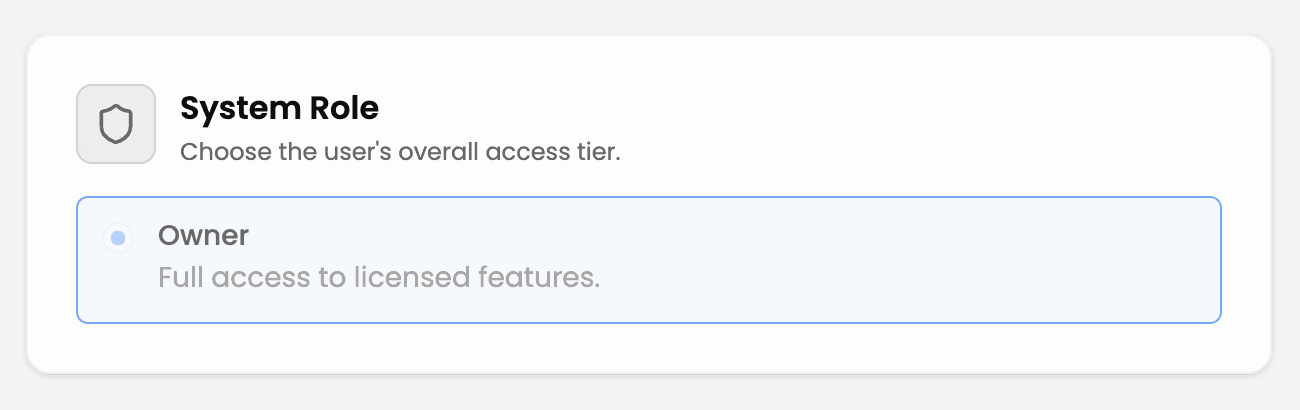
Illustrative example of a user's access.
Admin
An Admin can access every feature enabled for their organization without an access-level assignment, provided they have a user license when the feature requires one. Some ownership actions, including changing another member's system role, remain Owner-only.
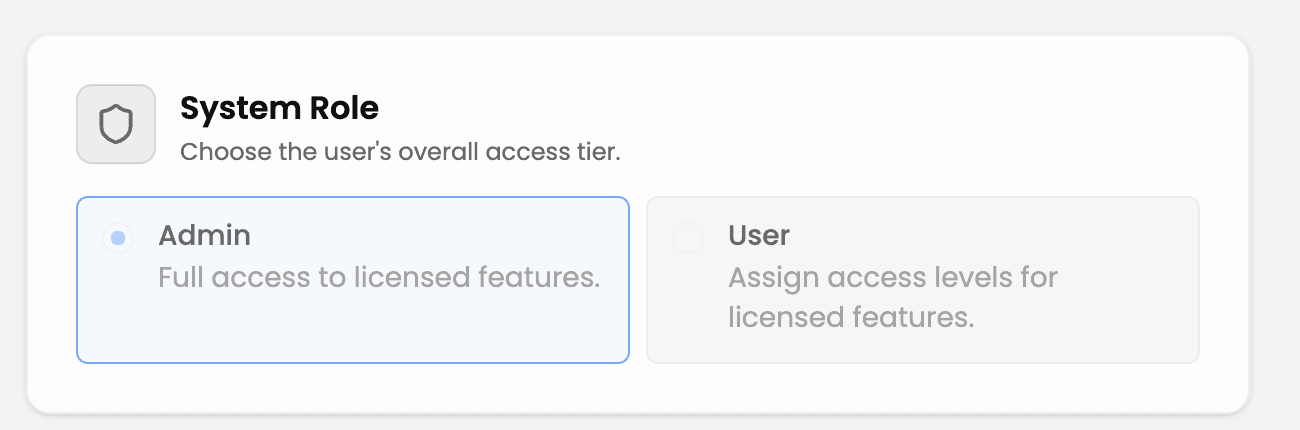
Illustrative example of a user's access.
User
User is the default system role. Users can perform actions granted by their assigned access levels, provided the organization has the feature and the user has any required license and resource access.
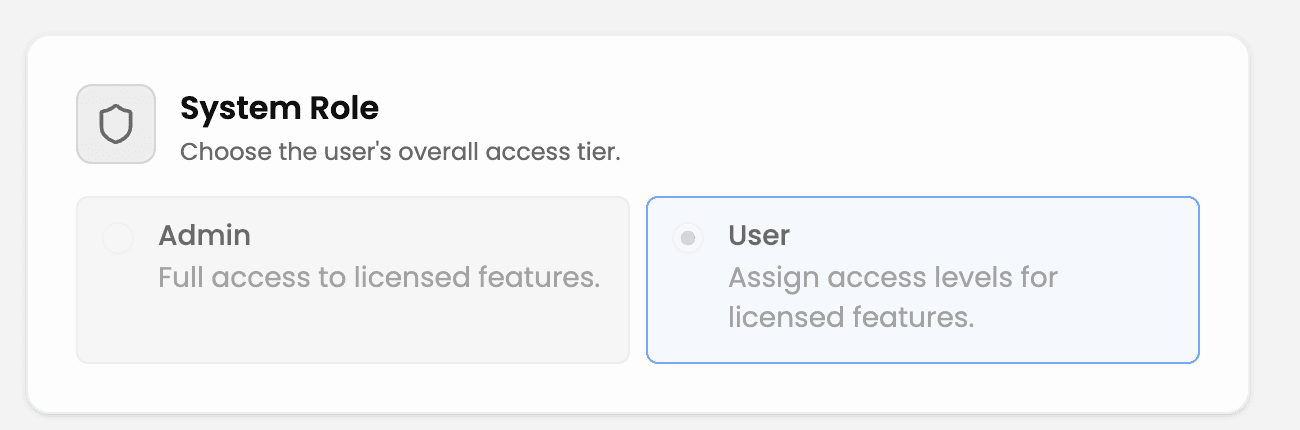
Illustrative example of a user's access.
Access levels for Users
Access levels are assigned by area of the product, not as one overall rank. A selected level grants specific actions in its area. For example, CMS content and CMS site settings can have separate levels. Your levels may therefore allow you to view one area but edit another. Access levels do not unlock features outside your organization's subscription or replace a required user license. A specific resource, such as a CMS site, may also require its own access grant.
The feature-specific categories offered when configuring a User's access depend on the organization's active subscriptions. Built-in categories may also appear without a subscription. If an expected category is missing, check the active organization and its subscription before changing the person's role. Owners can use Choose roles and access levels for assignment examples.
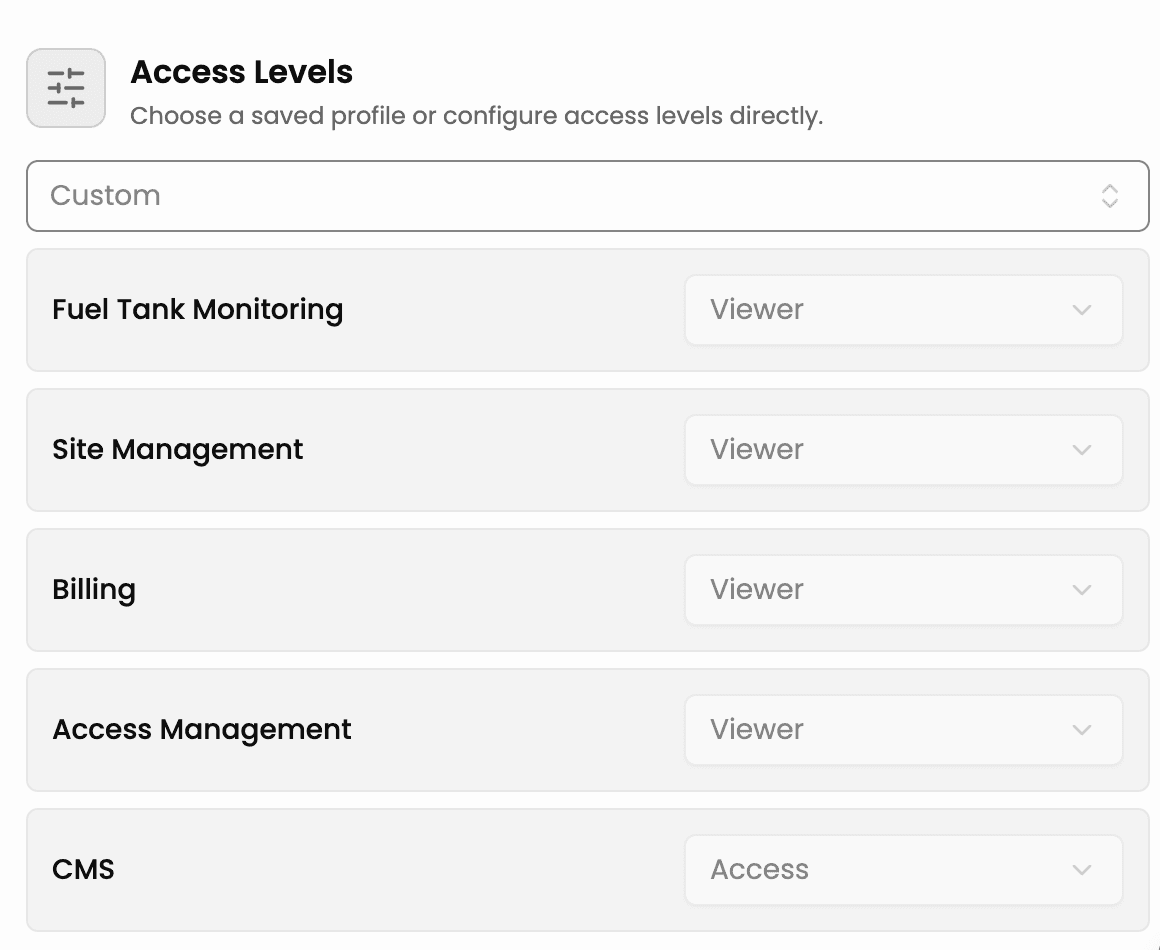
Illustrative example of a user's access. The CMS level shown here does not grant access to every CMS site.
CMS site access
Access to CMS and access to a particular CMS site are separate checks. For the User system role, a CMS access level is needed for CMS actions, and a grant for the specific site may also be needed. A User can therefore have CMS access but still be unable to open a site without that site's grant. Their permissions may also differ between sites: for example, they might be able to edit content on one site but only view content on another.
If you cannot open a site or perform an action there, ask your administrator to check your access to that specific site. A site grant cannot replace missing CMS access, an unavailable organization feature, or a required user license.
What the platform list means
After sign-in, the platform selection screen shows the platforms available to your active organization. Seeing a platform in the list does not mean every feature, page, action, or resource inside it is available to you. Those checks happen as you use the platform.
If something is missing
- Check that you selected the intended organization during sign-in.
- Tell your organization's administrator which platform, feature, action, or resource you need. If a feature is unavailable to the whole organization, ask them to check its subscription.
- If the feature requires a user license, ask them to check whether one is assigned to you.
- If others can use the feature but you cannot perform an action, ask them to review your system role and access levels. For a specific CMS site, ask them to check your access to that site as well.
Do not use another person's account to work around missing access.